Free online screen tests
Twelve browser-based tests that find dead pixels, backlight bleed, ghosting, banding and burn-in — plus plain-language guides that tell you what each defect means and what your warranty covers. Nothing is installed; every test runs locally on your device.
▶ Start the dead pixel test
All 12 screen tests
Dead Pixel Test
Cycle pure colors fullscreen to spot dead and stuck
Bright Spot Test
A pure white fullscreen makes bright spots and panel
Backlight Bleed Test
Pure black fullscreen reveals backlight bleed around
Color Banding Test
Smooth gradients expose banding and poor dithering.
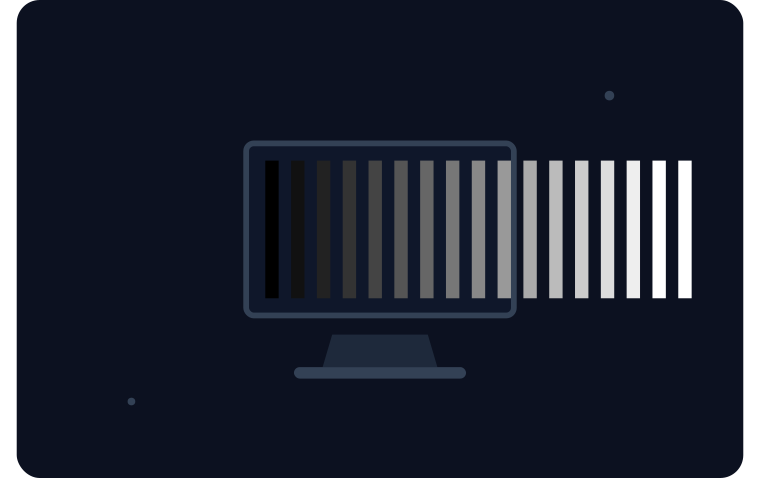
Contrast Test
Greyscale steps from pure black to pure white.
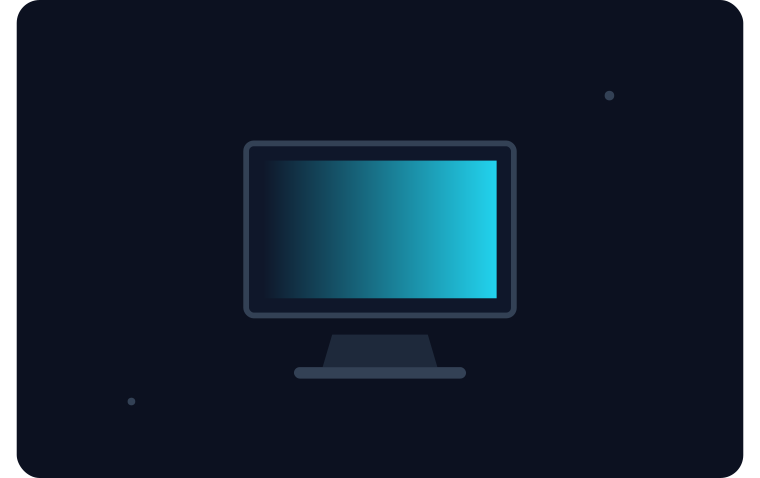
Greyscale Test
A full black-to-white sweep to judge neutral greys.

Ghosting & Motion Blur Test
A fast-moving block exposes motion blur and inverse
Refresh Rate Test
Measure your real refresh rate with a browser animat
Touch Screen Test
Draw on the fullscreen canvas to test every zone of
Screen Info
Your real resolution, pixel ratio, color depth and r
Stuck Pixel Fixer
Rapid color flashing that sometimes revives stuck pi
Screen Uniformity Test
One flat grey fullscreen — any cloudiness or vignett
Understand what you found
Dead Pixel vs Stuck Pixel
Guide
Can You Fix a Dead Pixel? What Works and What Is a Myth
Guide
What Is Backlight Bleed (and How Much Is Normal?)
Guide
What Is Screen Burn-In (and Do LCDs Get It?)
Guide
How to Test a New Monitor in 15 Minutes (Before the Return Window Closes)
Guide
What Is Screen Ghosting (and How Is It Different from Motion Blur?)
Guide
Why PixelCheck
Nothing to install
Every test is HTML and JavaScript in your browser. No download, no account, no upsell wall.
Runs locally
Test data never leaves your device. The tools read your screen; they do not read you.
Honest verdicts
Our guides say plainly which defects are fixable, which are warranty territory, and which "fixes" online are myths.